Creating a comfortable environment with Voice Lift
What is Voice Lift?
Voice Lift allows people in the same room to be heard clearly everywhere. Unlike PA that amplifies voice using handheld microphones and power amplifiers, this solution allows people to hear a speaker's voice at a natural volume.
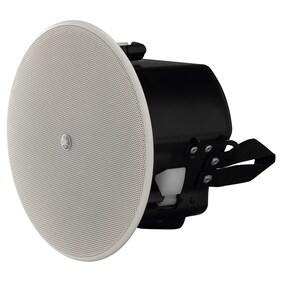
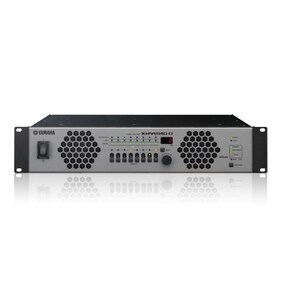
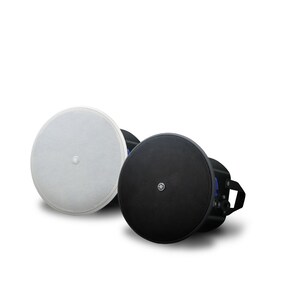
For example, a voice lift system with a ceiling array microphone, processor, power amplifier, and ceiling speakers provides a comfortable meeting and seminar environment in large conference rooms, school lecture halls, and other environments where human voice is difficult to reach.
Effortless yet Professional — Auto Design & Setup for Voice Lift
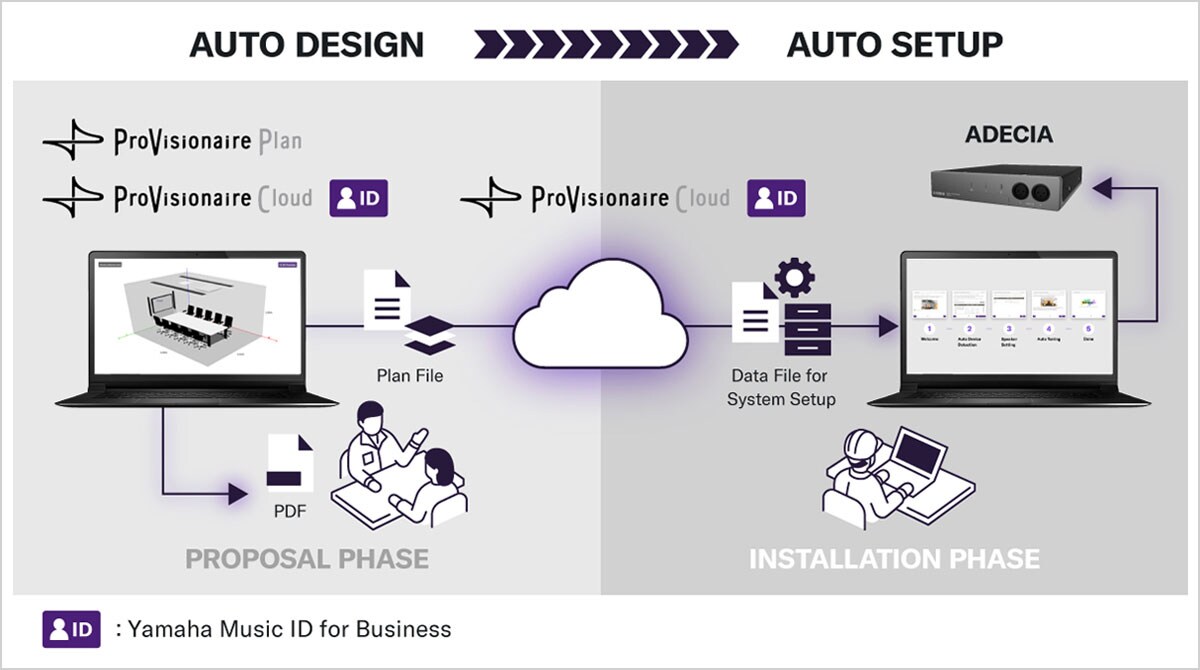
From device selection to audio tuning, the Room Design tools in ProVisionaire Plan and ProVisionaire Cloud, together with the ADECIA conferencing solution, automate the process to deliver clear and natural sound—even in large-scale spaces.
*This feature is supported by ADECIA Firmware Version 3.0 and later.
Design to Tuning — Voice Lift Setup Accelerated from Days to Minutes, All from Your Browser
-
[Design]
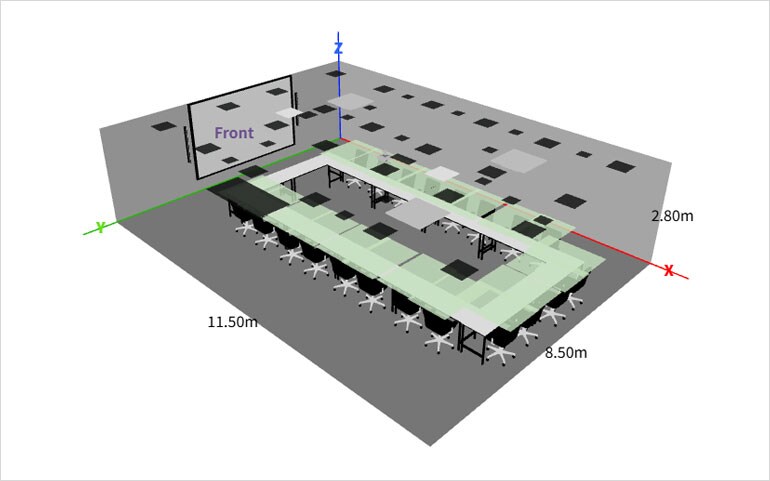
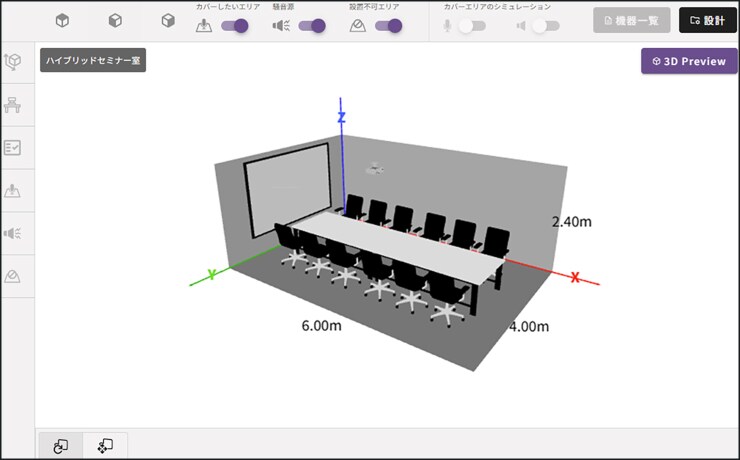
Just enter your room layout in ProVisionaire Plan or Room Planner on ProVisionaire Cloud, and the system automatically designs the best microphone and speaker setup for you — all from your browser.
Export your results as a PDF and easily create multiple design proposals.
*Please note: A Yamaha Music ID for Business account is required to use ProVisionaire Cloud.
-
[Data Import]
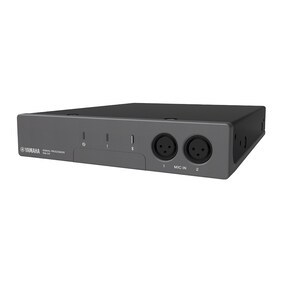
Download the automatically generated design file from ProVisionaire Cloud and import it into the ADECIA Processor RM-CR.
*Please note: Design data for Voice Lift systems created in ProVisionaire Plan cannot be imported into RM-CR. To automatically configure the Voice Lift function in RM-CR, please import Room Planner data files created with ProVisionaire Cloud – Room Planner.

-
[Setup & Tuning]
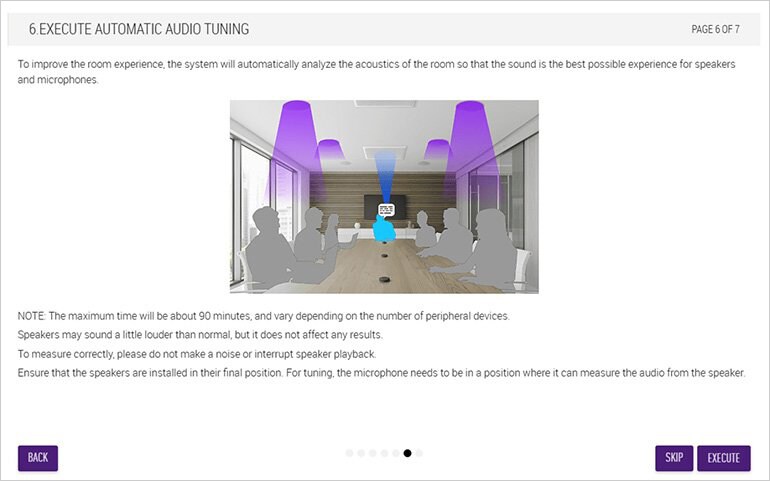
Simply follow the Auto Setup Wizard — all device configuration, measurements, and tuning are completed automatically.
AI Room Modeler — Image Recognition Function
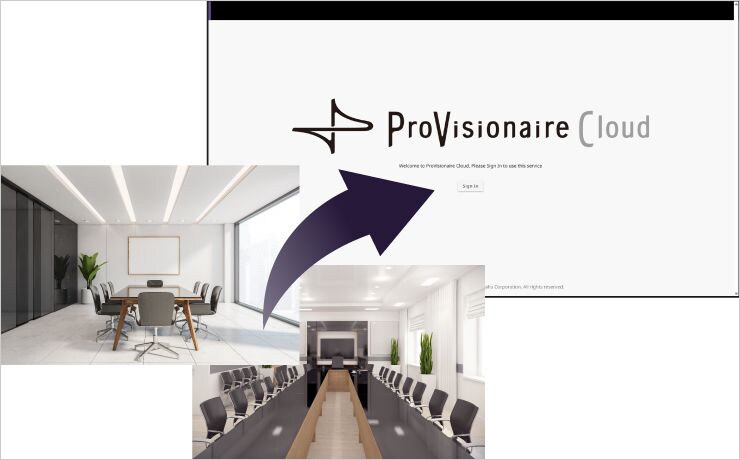
Use AI image recognition to estimate the conditions of a room based on an uploaded photo. AI will analyze elements such as furniture layout and wall materials to estimate room conditions including wall absorption when creating a new room plan.
*AI-generated content may contain errors. Please edit the estimated results to match your actual room design.
-
Upload A Room Picture
-
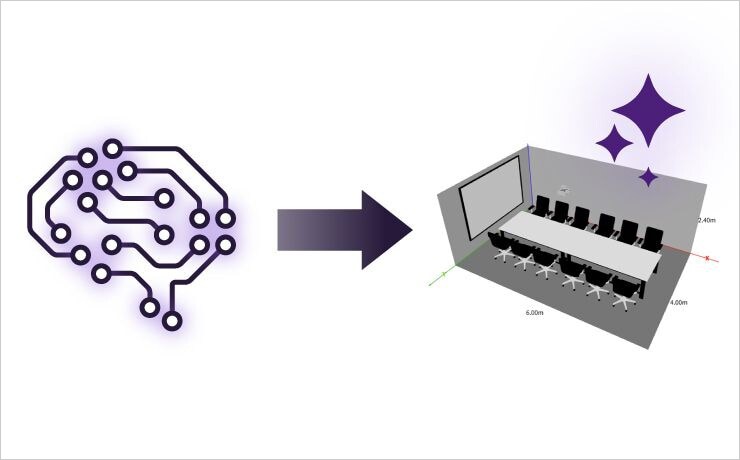
AI Estimates Room Layout from Picture
-
Room Layout Automatically Appears
Environment Where Voice Lift System is Required
There are two main types of voice lift systems: presentation and conference styles.
A presentation style is used for one-way communication from one or a few presenters to a face-to-face audience, while a conference style is used for two-way communication among multiple people. In both cases, Voice Lift is effective when people have difficulty hearing each other's voices.
-
Presentation Style
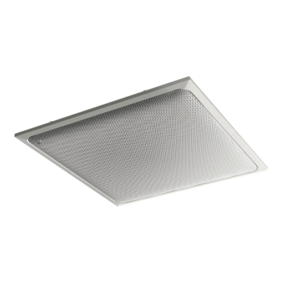
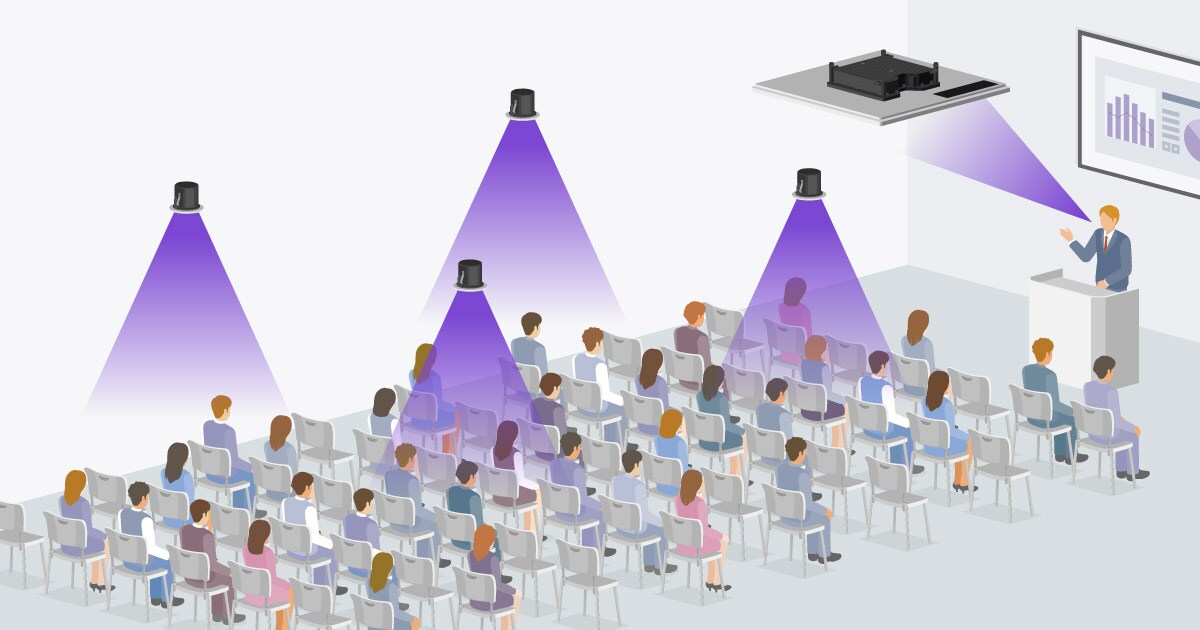
One or two RM-CG ceiling array microphones are installed above the presenter to deliver their voice to the entire room during a presentation or lecture in a presentation room or a university lecture hall. Ceiling speakers installed evenly above the audience can provide a comfortable audio experience no matter where they are in the room.
-
Conference Style
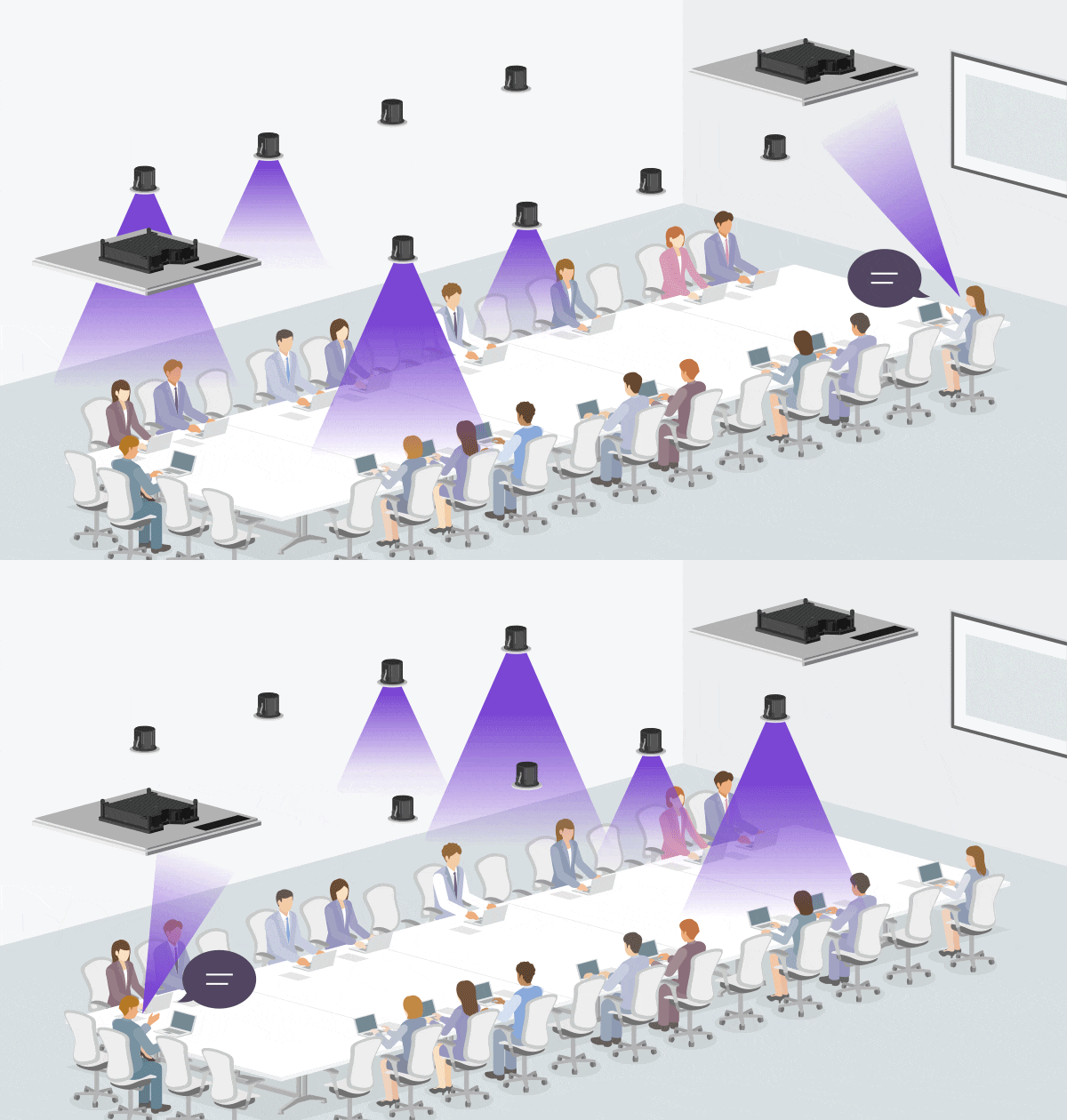
Multiple microphones and ceiling speakers are used in a corporate conference room to deliver intelligible voice to all participants when it is difficult to hear speakers' actual voices in a meeting where several people are speaking. The ceiling microphone close to a person who is speaking picks up their voice, and the speakers farther away from the microphone output the voice, but the speakers close to the person are muted. With the support for the speaker's actual voice that is difficult to reach, a voice lift system allows you to speak and be heard from anywhere in the room.
Voice Lift System Examples
Presentation Room


When several people take turns presenting in a meeting, it can be time-consuming and difficult to set up and manage multiple handheld or lavalier microphones, or to share only one microphone with presenters. A voice lift system allows presentation in turn with smoother operation without worrying about microphones. In addition, RM-CG microphones can detect and track the voices of up to four speakers simultaneously with four beams.
Lecture Room


In lecture halls at universities, colleges, vocational schools, and other educational institutions, it is necessary to deliver lectures to all students. In some cases, instructors use a handheld or lavalier microphone for their lecture, but depending on their attire, they may not be able to wear a lavalier microphone, or their hands may be occupied with a textbook and pen for writing on the board. A voice lift system allows instructors to lecture without worrying about microphones, and students to hear the lecture comfortably.

Conference Room


In a meeting or discussion in a conference room, it is essential to avoid frustration and disruption due to inability to hear what a person is saying. It may not be efficient to share one handheld microphone with participants or to provide enough microphones for them. With a conference-style voice lift system, participants can speak and be heard wherever they are seated in the room. It even allows for smooth communication with remote parties in hybrid meetings.
Example of using Auto Design & Setup for Voice Lift with ADECIA


From hybrid meetings and interactive classes to active learning environments — room size, layout, and use cases may vary, but ADECIA and ProVisionaire Plan/ProVisionaire Cloud make Voice Lift installation super simple.
Even in large or reconfigurable rooms, complex acoustic adjustments can be completed in minutes using just a PC. Whether you're designing for a boardroom, classroom, or multi-purpose space, with support for spaces up to 15 x 15 meters, ADECIA and ProVisionaire Plan/ProVisionaire Cloud ensures voices are clear, natural, and balanced — wherever your audience is.